Turn a webpage into a polished PDF report
Get a clean, branded PDF report from any page you extract: readable tables, organized sections, ready to share or file.
Three steps.
- 01Open the page you want to report on
- 02Click Extract Page
- 03Download the PDF Report export
Watch it in action.
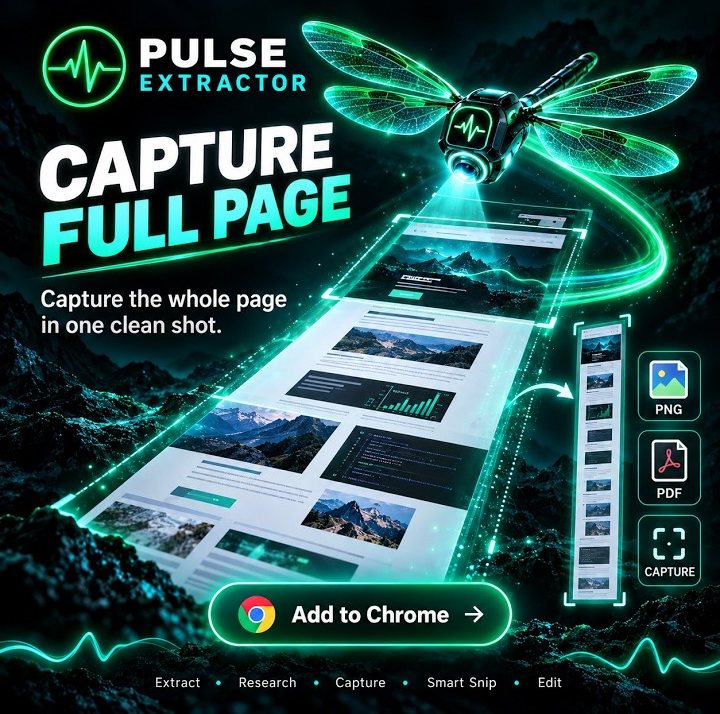
Capture the Entire Webpage
Save long webpages from top to bottom as clean PNG or PDF captures.
In “Capture the Entire Webpage”: Pulse captures a long webpage from top to bottom in one go, without stitching screenshots together, and saves it as a PNG image or a PDF.
Video previews do not contact YouTube until you press play. When you play a video, YouTube receives the normal information required to deliver the video. Playback uses YouTube's privacy-enhanced mode. All video tutorials
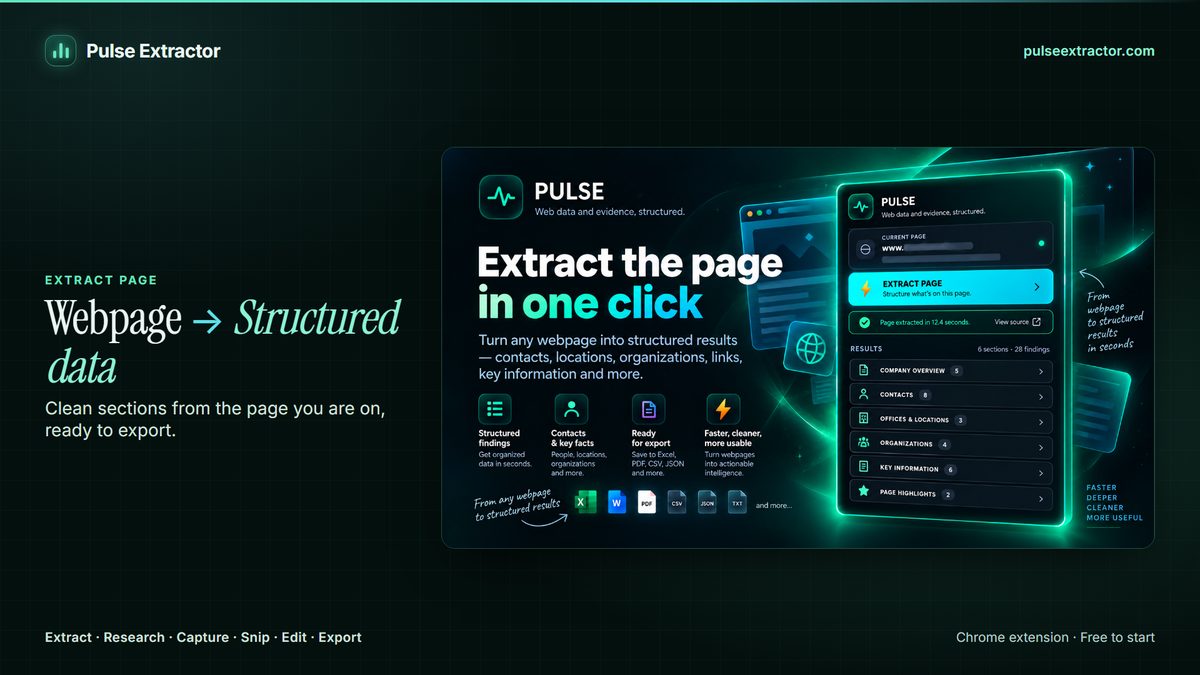
A readable report, or an exact copy of the page
A browser's own print to PDF option captures the page as it looks, clutter included. Pulse's PDF Report is built from the structured result: organized sections, readable tables that wrap and paginate properly, and no navigation bars, ads or cookie banners.
Those are two different jobs, so Pulse keeps them apart. The PDF Report is a document about the page: the structured result laid out in sections, with tables that break across pages at sensible points instead of being cut in half wherever the paper happened to end. Capture Full Page is the page itself, top to bottom, as a high-resolution PNG or a multi-page PDF, including the parts that never fit on screen. Use the report when someone needs to read the content, and the capture when someone needs to see the page as it stood.
The extraction behind the report is the same one that feeds every other format, so choosing PDF is not a dead end. The same result exports as a Word document when a paragraph still needs rewriting, as an Excel workbook or CSV when the numbers matter more than the layout, and as JSON when it is going into something you are building. You extract once and export in whichever shape the next step expects.
How is this different from printing to PDF?
A browser's print-to-PDF captures the page as it renders, navigation, ads and cookie banners included, and it breaks tables wherever the page happens to end. Pulse builds the PDF from the structured result instead: organized sections, tables that wrap and paginate properly, and none of the page furniture.
Can I get the page exactly as it looks instead?
Yes, that's Capture Full Page. It saves the complete page top to bottom as a high-resolution PNG or a multi-page PDF. Use the PDF Report when you want a clean document, and Capture Full Page when you need the page itself.
Does exporting use a Research run?
No. Exports never consume Research runs. A Research run is used only when you click Research.
What happens to a wide table in the PDF?
It wraps and paginates as part of the document rather than being clipped at the paper edge. That is the practical reason to use the report instead of the browser's print dialog, which has no idea the table was meant to hold together.
Can I get the same content as an editable document?
Yes. The same extraction exports as a Word document as well as a PDF, so a result that needs a sentence changed before it goes out does not have to be retyped.
Does the report include the parts of the page I have to scroll to reach?
It is built from the whole page you extracted, not from the portion that happened to be on screen. If you want the scrolled page as an image or a paginated replica instead, that is Capture Full Page.
Explore more.
Step by step: How to save a full webpage as a PDF · How to capture an entire webpage
Reviewed by the people already using it.
Exactly what our office needed to speed up data collection. It’s straightforward & efficient. Great productivity booster.
Pulse Extractor saves our team a ton of time on web research. simple, fast, and genuinely useful..
Real published reviews, quoted exactly. Read them on the Chrome Web Store
Turn this page into a structured result.
Install Pulse, create a free account, and extract your first page in under a minute. No card required.