Find the signal in dense research pages
Extract key facts, entities and sources from articles, research papers and reference pages: a clean summary instead of a page of dense prose.
Three steps.
- 01Open the article, study or reference page
- 02Click Extract Page
- 03Review the summary, facts and sources
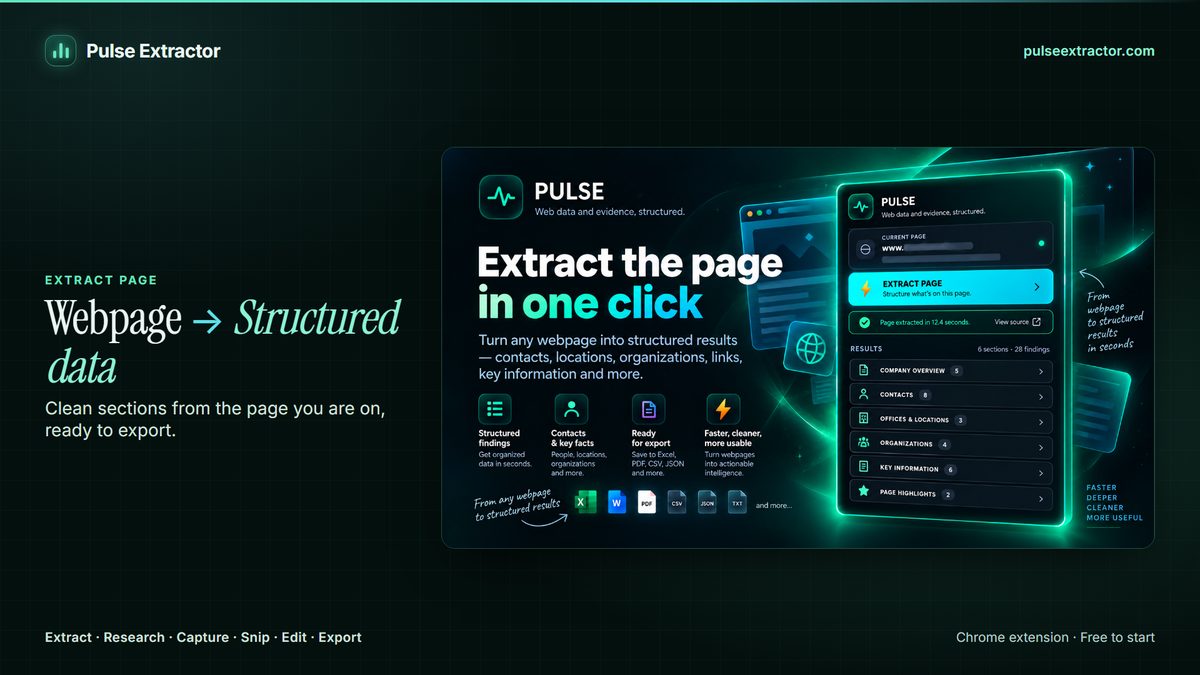
Read a long study without losing the source
Long-form pages bury useful facts in paragraphs. Pulse pulls out a summary, key facts and the entities mentioned (people, organizations, places), and keeps the source page attached so you can verify anything important.
The problem with summarizing research is that a summary is exactly where a claim loses its provenance. A figure arrives without the study it came from, gets quoted, and by the third retelling nobody can say where it started. Pulse keeps the source attached to the result and carries it into the exports, so a number in your spreadsheet still knows which page produced it. That turns a summary from something you have to trust into something you can check.
It also separates reading from archiving. Extract Page gives you the structured content: the summary, the facts and the people, organizations and places the piece names. Capture Full Page gives you the page as it stood today, as a high-resolution image or a paginated PDF, which is what you want when the page may be revised or taken down and your citation has to survive that. Reference pages move; a capture does not.
What do I get from a long article?
A summary, the key facts, and the entities the piece mentions, people, organizations and places, with the source page kept attached so anything important can be checked.
Can I keep the sources?
Yes. The source stays with the result and travels into the exports, so a claim can be traced back rather than taken on trust.
How do I keep a copy of the page itself?
Use Capture Full Page. It saves the page top to bottom as a high-resolution PNG or a multi-page PDF, which is what you want when a reference page might be edited or removed after you have cited it.
Can I collect facts from several papers into one place?
Yes, one page at a time. Each extraction exports as Excel, CSV or JSON with its source attached, so several papers combine into a single sheet where every row still says where it came from.
Does it replace reading the study?
No, and it is not meant to. It finds the structure and the facts quickly so you can decide what deserves a careful read, with the source kept attached so the careful read is one click away.
Is it reading the whole page or just the visible part?
The whole page you have open, not only the part that fits on screen.
Explore more.
Step by step: How to save a full webpage as a PDF
Reviewed by the people already using it.
Exactly what our office needed to speed up data collection. It’s straightforward & efficient. Great productivity booster.
Pulse Extractor saves our team a ton of time on web research. simple, fast, and genuinely useful..
Real published reviews, quoted exactly. Read them on the Chrome Web Store
Turn this page into a structured result.
Install Pulse, create a free account, and extract your first page in under a minute. No card required.