Capture the whole page, not just the screen
Save a complete webpage from top to bottom as a high-resolution PNG image or a clean multi-page PDF. Free includes 20 Full-Page Captures a month, Lite includes 100 a month, Starter, Pro and Intelligence capture without limits, and it never uses a Research run.
Three steps.
- 01Open the page you want to keep
- 02Click Capture Full Page
- 03Save it as a high-resolution PNG or a multi-page PDF
Watch it in action.
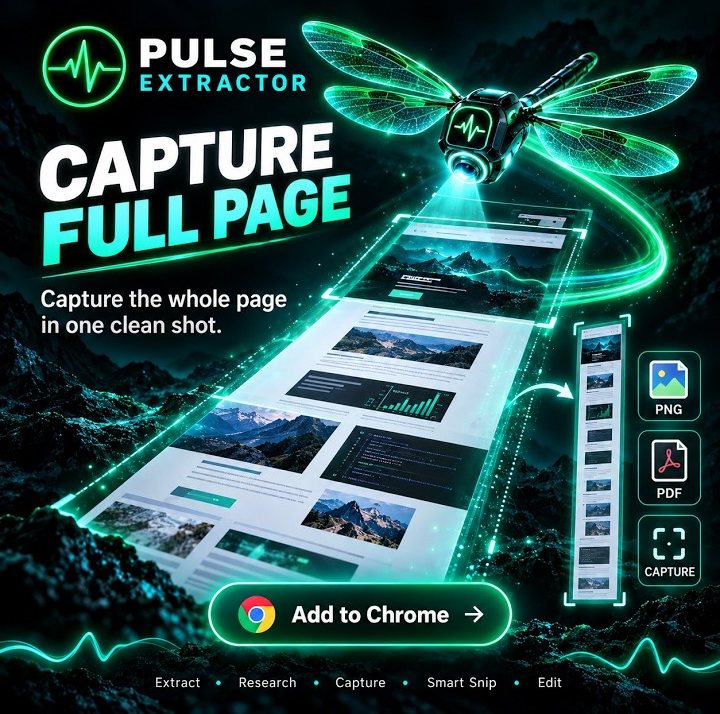
Capture the Entire Webpage
Save long webpages from top to bottom as clean PNG or PDF captures.
In “Capture the Entire Webpage”: Pulse captures a long webpage from top to bottom in one go, without stitching screenshots together, and saves it as a PNG image or a PDF.
Video previews do not contact YouTube until you press play. When you play a video, YouTube receives the normal information required to deliver the video. Playback uses YouTube's privacy-enhanced mode. All video tutorials
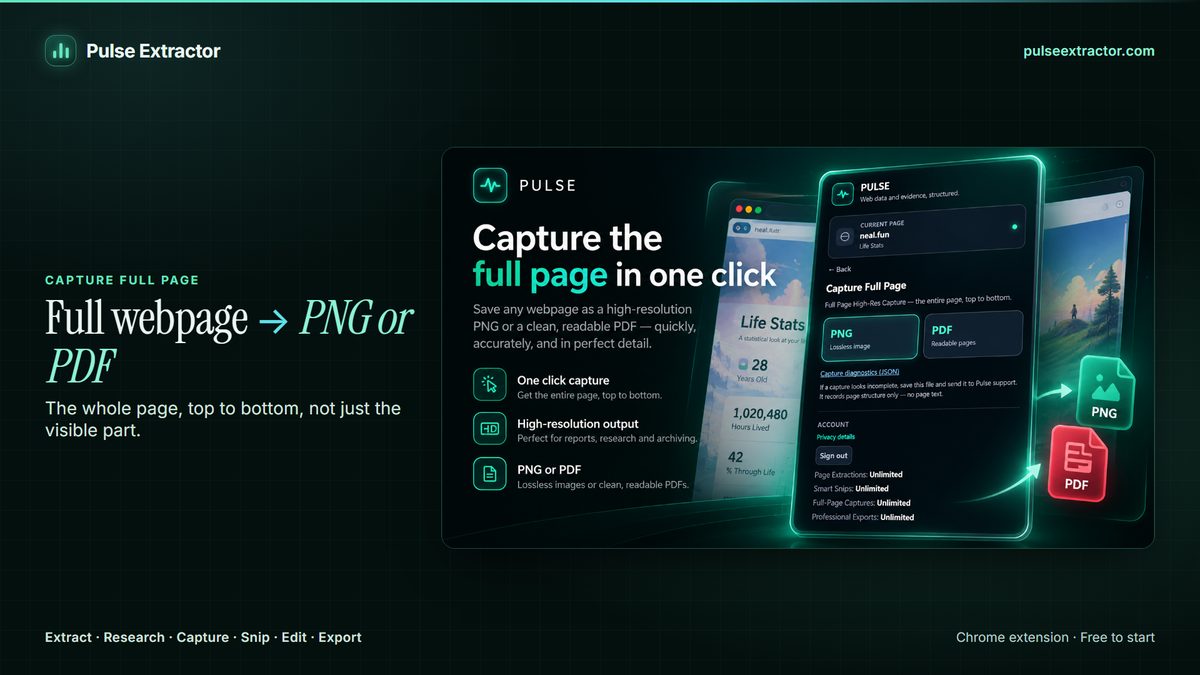
Capture the page, and keep what is in it
An ordinary screenshot stops at the bottom of your screen, and a browser's print dialog reflows the page into something that no longer looks like what you saw. Capture Full Page scrolls the entire page and stitches it into one continuous, high-resolution image, or paginates it into a PDF that stays readable. That makes it the right tool when you need the page itself rather than a summary of it: a listing before it changes, a published price, a policy page on the day you read it.
A dedicated screenshot extension stops there. Pulse captures the page and, from the same extension on the same tab, structures what is on it into rows you can export, and researches the organization behind it across its own website and other public sources. One tool for the picture, the data and the context, rather than three.
Some pages do not scroll as a page at all: dashboards, web mail, chats and long tables often scroll inside an inner panel, and Capture Full Page captures what is on screen there. For those, Scrollception captures one scrolling panel inside a page, and Smart Range captures a start-to-end scroll range of a long page. The guides below also show the free browser methods.
Does it capture below the fold?
Yes, that's the point. On an ordinary website it captures the complete page from top to bottom, not only the part currently on screen, however long the page is.
Are there pages it cannot capture?
Two kinds. Chrome does not permit extensions to run on its own protected pages, such as browser settings or the Chrome Web Store, so capture is unavailable there. That is a browser restriction, not a Pulse setting. Separately, a few app-style pages scroll inside an inner panel rather than the page itself; on those, capture currently reaches what is on screen rather than the full panel. Ordinary websites, including long ones, capture top to bottom.
PNG or PDF?
PNG when you want one continuous high-resolution image of the page. PDF when the page is long and you need something that paginates and prints sensibly.
Does it use up my allowance?
Each capture counts as one of Free's 20 Full-Page Captures a month, and capture is unlimited on Starter, Pro and Intelligence. Its own PNG or PDF is included without using a Professional Export, and it never consumes a Research run or a Page Extraction.
How is it different from the PDF Report export?
Capture Full Page reproduces the page as it appears. The PDF Report is built from the structured result instead, dropping the page furniture and organizing the content into sections. Capture keeps the page; the report shares the findings.
Explore more.
Step by step: How to capture an entire webpage · Capture a scrolling div or panel · Screenshot part of a long webpage · Full-page screenshot extensions compared
Reviewed by the people already using it.
Exactly what our office needed to speed up data collection. It’s straightforward & efficient. Great productivity booster.
Pulse Extractor saves our team a ton of time on web research. simple, fast, and genuinely useful..
Real published reviews, quoted exactly. Read them on the Chrome Web Store
Turn this page into a structured result.
Install Pulse, create a free account, and extract your first page in under a minute. No card required.