Turn a webpage into editable PowerPoint slides
Take a page, a region of it, or a full extraction straight into .pptx: editable text boxes and genuine editable tables on the slide, instead of a screenshot dropped onto a blank layout. This is live in Pulse Extractor 0.5.8.
Three steps.
- 01Open the page you need on a slide
- 02Click Smart Snip for a region, or Extract Page for the whole result
- 03Download the PowerPoint (.pptx) export
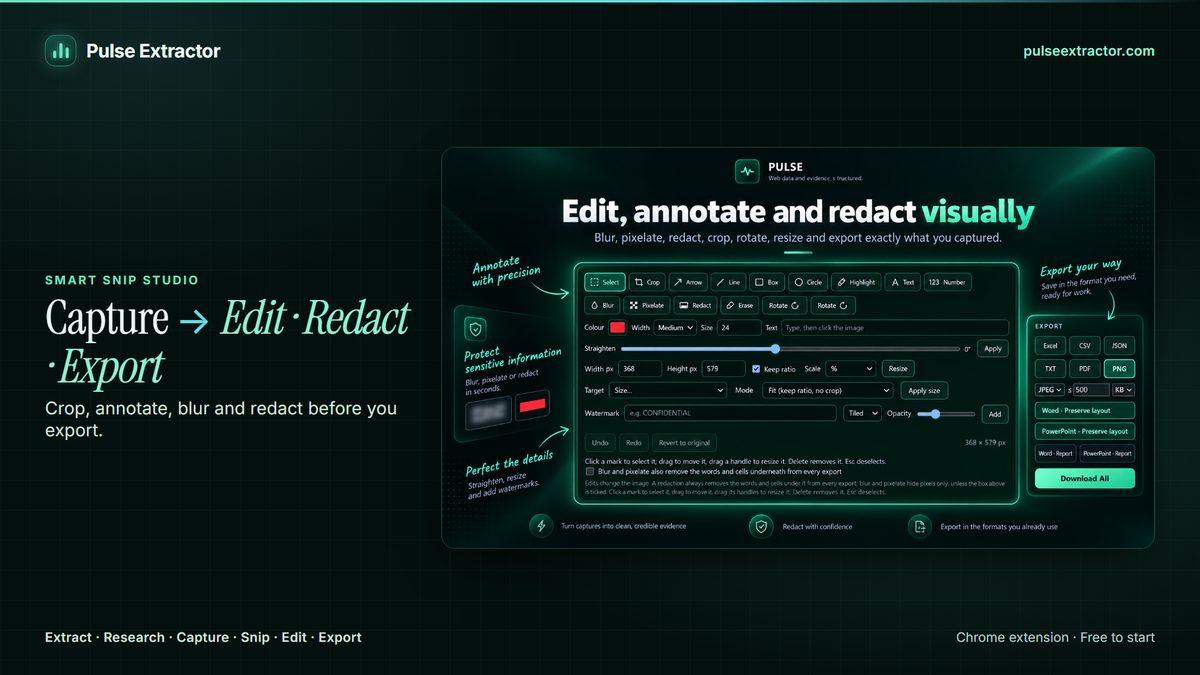
Slides you can edit, not screenshots you cannot
The usual route to a slide is a screenshot: fast to make, and then frozen. Nobody can fix the typo, restyle the table to match the deck, translate it, or reuse a single figure from it. A PowerPoint replica keeps the layout but keeps it editable, so the slide behaves like one you built, and the table on it is a real PowerPoint table.
Because the same snip can also produce a Word document, the work of pulling a source apart happens once whether the result is going into a deck, a report, or both. Extract Page and Research results export to PowerPoint as well, so a competitor scan or a company profile can go to the meeting in the form the meeting expects.
Can I use this today?
Yes. Editable PowerPoint export is live in Pulse Extractor 0.5.8, the current Chrome Web Store release, for a Smart Snip region and for Extract Page and Research results alike.
Are the slides editable, or just images?
Editable. Text arrives in text boxes and tables arrive as genuine PowerPoint tables, so you can retype a cell, restyle to your template, or pull one element onto another slide.
Can I put a whole webpage on one slide?
You can, but it is rarely what you want. Snipping the region that matters, such as the pricing table, the chart or the announcement, gives a slide that reads at the back of a room. For the complete page as it looked, Capture Full Page saves it as a high-resolution image or a paginated PDF instead.
Does it match my company template?
Not automatically. The replica preserves the source layout; applying your deck's theme, fonts and colours is a normal PowerPoint step once the file is open, and it is easier to do because the slide contents are real objects rather than one flat picture.
Does it use a Professional Export?
Yes. A .pptx export counts as one Professional Export, as Word, Excel and PDF Report do. Free includes 10 Professional Exports a month; Starter, Pro and Intelligence are unlimited. Downloading everything as one ZIP counts as a single export.
Can I build one deck from several pages?
One snip can produce a Word document and a PowerPoint slide, and several snips can be assembled into a single document. Building a multi-page deck across several sources is done by exporting each and combining them in PowerPoint.
Explore more.
Reviewed by the people already using it.
Exactly what our office needed to speed up data collection. It’s straightforward & efficient. Great productivity booster.
Pulse Extractor saves our team a ton of time on web research. simple, fast, and genuinely useful..
Real published reviews, quoted exactly. Read them on the Chrome Web Store
Turn this page into a structured result.
Install Pulse, create a free account, and extract your first page in under a minute. No card required.