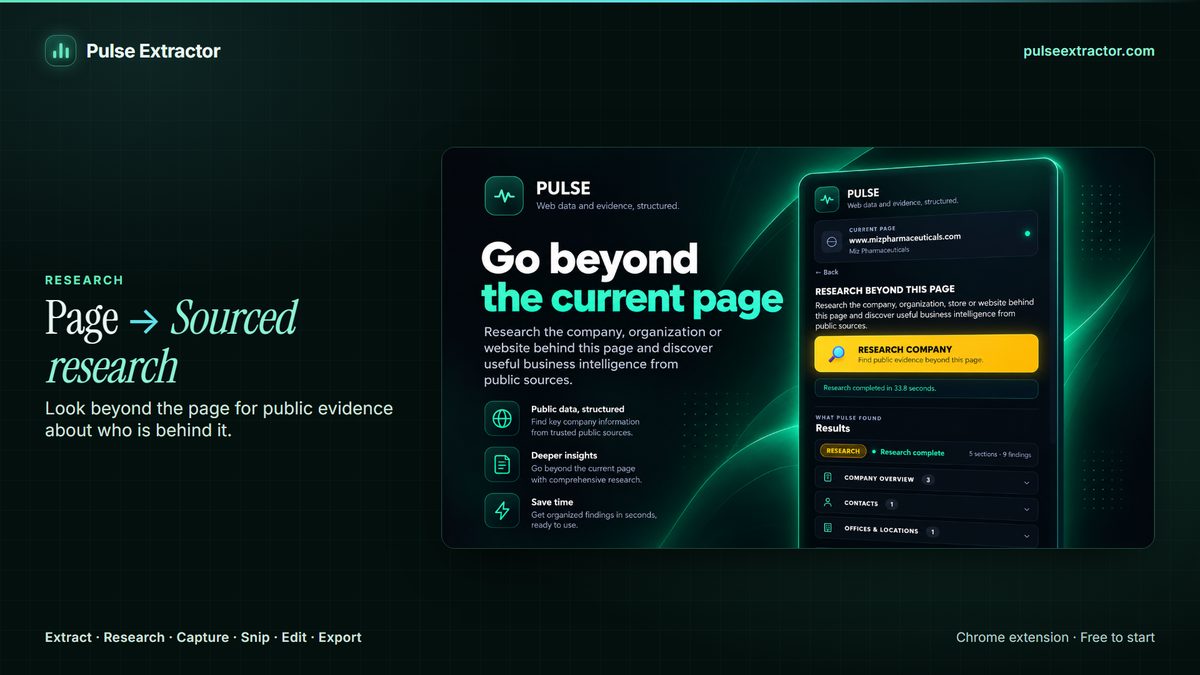
Open the company's website, click Pulse Extractor and choose Research. Research starts from that page, explores high-value pages across the company's own site, checks relevant wider public sources, and returns a sourced profile you can export to Excel, a PDF report, CSV or JSON. Results are labelled SUCCESS, PARTIAL or Insufficient evidence, and an Insufficient evidence result is never charged.
Watch it in action.

Research Companies & Websites
Gather public evidence and organize it into a structured research result.
In “Research Companies & Websites”: Pulse researches a real company from publicly available web information and organizes what it finds into a structured result with its sources.
Video previews do not contact YouTube until you press play. When you play a video, YouTube receives the normal information required to deliver the video. Playback uses YouTube's privacy-enhanced mode. All video tutorials
What a company research tool should give you
- What the business actually does, its service lines and sectors.
- Locations, offices and the contact routes it publishes.
- Projects, activities and relationships, where public.
- A source for every fact, so you can verify what matters.
- An honest gap where nothing public exists, rather than an invented field.
How Pulse Research works
- Add Pulse Extractor to Chrome from the Chrome Web Store and sign in with a free account. No card is required.
- Open the company's website.
- Click the Pulse icon and choose Research, with the preset that fits your goal.
- Pulse shows real progress while it works, and you can cancel.
- Export the result to Excel, a PDF report, CSV or JSON.
Research allowances: Free includes 1, lifetime; Lite 3 a month; Starter 15 a month; Pro 40 a month; Intelligence 100 a month (200 in an annual plan's first month).
When Pulse is not the right tool: research tool or company database?
| You need | Better fit |
|---|---|
| A sourced profile of a company you already found | Pulse Research |
| A list of companies matching a sector, size or region | A firmographic company database |
| Personal emails and direct dials for named people | A contact database (Pulse surfaces published contact routes only) |
| Audited financials or credit risk | Filed accounts and a credit reference provider |
Limitations to know
- Thin websites give thin results, labelled PARTIAL or Insufficient evidence rather than filled with guesses.
- Public sources only. Nothing behind a sign-in.
- Focused Research (name exactly what matters) is planned; today every run returns the full company profile.
- Treat personal information with care; see Responsible Use.
Questions
Am I charged if Research finds nothing useful?
No. An Insufficient evidence result is never charged.
Can I try it free?
Yes. The Free plan includes one lifetime Research run, with no card required.
Does Pulse have a database of companies?
No. Pulse researches the company you point it at, from its website and public sources, when you run it.